
Why Is My Battery Going Down/Draining While Charging? Causes and Fixes| flames nova
If your battery is going down or draining while charging, your phone may be consuming more power than the charger is supplying. Common causes include a weak or faulty charger, damaged cable, dirty charging port, overheating, heavy apps, software problems, a worn battery or a charging-system fault. Start by trying a different compatible charger and cable, checking the charging port, closing demanding apps, letting the phone cool down and charging with the screen off. If the battery keeps going down or draining with known-good charging equipment, the phone may need professional diagnosis.
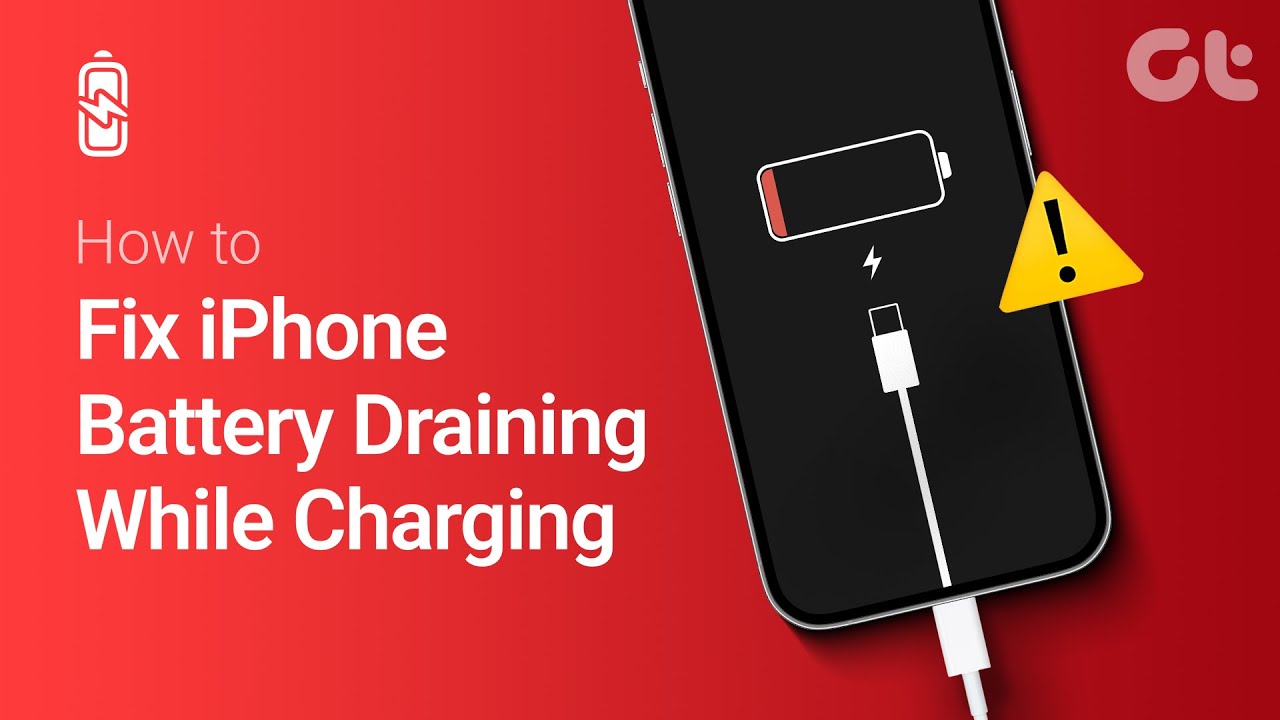
Executive Summary: Why Is My Battery Going Down While Charging?
Seeing your phone's battery percentage decrease while the charging icon is showing can be confusing. The charging symbol means the phone has detected a power connection, but it does not necessarily mean that enough power is reaching the battery to increase its charge.
If the phone is consuming more power than the charger is providing, the battery can continue going down even while connected.
The first things to check are the charger, cable, charging port, phone temperature and how heavily the phone is being used.
Why Is My Battery Going Down While Charging?
The most common reasons include:
1. The charger is faulty or underpowered
2. The USB cable is damaged
3. The charging port is dirty or damaged
4. The phone is being used heavily while charging
5. The phone is overheating
6. A background app is consuming excessive power
7. The battery is worn or damaged
8. There is a problem with the phone's charging system
The exact cause depends on the phone and charging equipment.
How to Fix a Battery Going Down While Charging
1. Try a Different Compatible Charger
Start with the charger because it is one of the easiest things to test.
Use a known-good charger that is compatible with your phone.
If the battery begins increasing normally with another charger, the original charger may not be delivering enough power or may be faulty.
Do not use a damaged charger.
2. Change the Charging Cable
A USB cable can become damaged internally even when the outside looks normal.
Try another known-good compatible cable.
Make sure the connectors fit properly and don't repeatedly disconnect when the phone is moved.
If changing the cable fixes the problem, there is no reason to replace the phone's battery or charging port.
3. Check the Charging Port
Inspect the charging port for:
- Dust
- Lint
- Dirt
- Moisture
- Corrosion
- Physical damage
Debris can prevent the connector from making proper contact.
Clean the port carefully using a safe, dry method and avoid forcing metal objects into it.
If the port is loose or physically damaged, have it inspected rather than repeatedly pushing the cable into it.
4. Stop Using the Phone While Charging
Demanding activities can consume substantial power.
For testing, stop:
- Gaming
- Video recording
- Video editing
- Mobile hotspot use
- GPS navigation
- High-resolution streaming
- Other demanding applications
Turn the screen off and allow the phone to charge for several minutes.
If the percentage starts increasing after you stop using the phone, power consumption was likely contributing to the problem.
5. Let the Phone Cool Down
Check whether the phone is unusually hot.
Heat can affect charging and battery behavior.
Remove unnecessary heat sources and allow the phone to cool naturally before charging again.
Do not place the phone in a freezer or use extreme cooling methods.
If the phone becomes excessively hot whenever it is charging, stop using that charging setup and investigate the cause.
6. Check Battery Usage
Look at the phone's battery settings to identify applications consuming unusually large amounts of power.
A badly behaved app or process can continue consuming power while the phone is plugged in.
Close or restrict unnecessary apps and then test charging again.
If one application consistently causes unusually high battery consumption, investigate that application rather than immediately replacing the battery.
7. Restart the Phone
A temporary software problem can sometimes cause abnormal battery consumption.
Disconnect the charger, restart the phone and reconnect it using a known-good charger and cable.
Then check whether the battery percentage starts increasing.
8. Check for Software Updates
Check the phone's system settings for available software updates.
If the problem began after a software change or appears alongside unusual battery behavior, an update may be relevant.
Use the manufacturer's normal update process rather than installing unofficial system software.
Why Does My Battery Go Down Even When It Says Charging?
The charging icon only tells you that the phone has detected an external power source.
It does not guarantee that the battery is receiving more power than the phone is consuming.
For example, if a phone is performing demanding tasks while connected to a weak charging source, some or all of the incoming power can be consumed by the phone itself.
The result can be:
Power coming in < Power being consumed = Battery percentage decreases
This is why testing the phone while it is idle or switched off can help identify the problem.
What If the Battery Charges When the Phone Is Off?
If the battery increases normally when the phone is switched off but decreases while the phone is running, compare the phone's power consumption and charging behavior.
Start by checking demanding apps, background activity, software updates and overheating.
If the problem continues even with minimal usage and a known-good charger, the charging system or battery may require professional inspection.
What If the Battery Still Goes Down With a New Charger?
If you have already tested:
- A known-good compatible charger
- A different cable
- Another power outlet
- A clean charging port
- Charging with minimal phone usage
and the battery still decreases, the problem may be inside the phone.
Possible causes include a worn battery, damaged charging port or charging-system fault.
At this point, replacing random parts can waste money. Proper diagnosis should come first.
Could a Bad Battery Cause This?
Yes.
A degraded or damaged battery can produce abnormal charging behavior.
Other warning signs include:
- Very rapid battery drain
- Unexpected shutdowns
- Large jumps in battery percentage
- Excessive heat
- Battery swelling
- Charging repeatedly stopping
- Extremely short battery life
If the battery is swollen or the phone becomes dangerously hot, stop charging it and seek professional assistance.
Could the Charging Port Cause Battery Drain While Charging?
Yes.
A damaged or dirty charging port can prevent stable electrical contact.
You may notice that charging starts and stops when the cable moves or that the phone repeatedly switches between charging and not charging.
If the port is physically damaged, a technician should inspect it.
When Should You Get the Phone Repaired?
Professional diagnosis is appropriate if:
- The battery continues decreasing with multiple known-good chargers
- The charging port is damaged
- The phone becomes excessively hot
- The battery is swollen
- There is a burning smell
- The phone has suffered liquid damage
- Charging repeatedly disconnects
- The phone shuts down while charging
Do not continue charging a device showing signs of serious battery or electrical damage.
Frequently Asked Questions
Why is my battery going down while charging?
Your phone may be consuming more power than the charger is supplying. A faulty charger, damaged cable, dirty charging port, heavy usage, overheating, battery degradation or a charging-system problem can also cause it.
Why is my phone losing battery while plugged in?
Check the charger and cable first. Then inspect the charging port, stop demanding applications and allow the phone to cool. If it continues losing charge with known-good equipment, the phone may have a hardware problem.
Why does my phone say charging but the percentage keeps going down?
The phone has detected a power connection, but the incoming power may be insufficient to overcome the phone's current power consumption.
Should I replace my battery if it drains while charging?
Not immediately. Test the charger, cable, power outlet and charging port first. If the problem remains, have the battery and charging system diagnosed before purchasing a replacement.
Why does my phone charge normally when switched off?
When the phone is switched off, it consumes far less power. If it charges normally while off but loses battery while running, heavy power consumption, software activity, overheating or a hardware issue could be involved.
Can a charger make my battery drain while charging?
A faulty, damaged or insufficient charger can contribute to the problem because it may not provide enough usable power to charge the battery while the phone is operating.
Practical Solution
Use this troubleshooting order:
Change the charger → change the cable → check the charging port → stop demanding apps → let the phone cool → restart it → check battery usage → check for software updates.
If the battery still goes down while charging after these tests, the problem is no longer something you should keep guessing at.
Have the battery, charging port and charging system professionally diagnosed before spending money on replacement parts.
Never miss a tech solution from FlamesNova
Make FlamesNova your trusted and preferred source on Google Search
All factual claims and technical steps are cited and verified against direct documentation.
Contribution: Grounding reference for news development and reporting.
Contribution: Grounding reference for news development and reporting.
Contribution: Grounding reference for news development and reporting.
Contribution: Grounding reference for news development and reporting.
Related How-To Guides
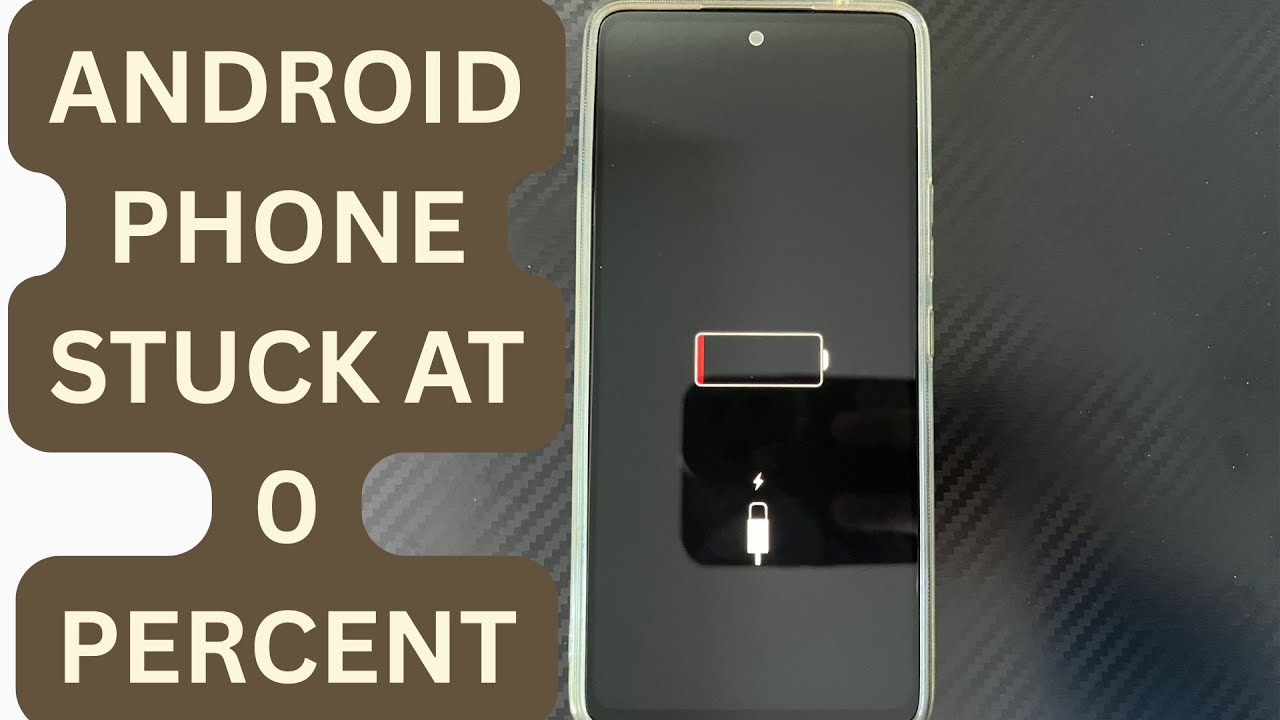
Android Phone Stuck at 0% or 1% Charging All Night: How to Fix
If an Android phone remains at 0% or 1% after charging all night, first stop repeatedly trying to power it on. Test a known-good compatible charger and cable, inspect the charging port, let the phone cool, and leave it charging while switched off. If it remains at 0% or 1%, try a forced restart. If the phone still cannot increase its battery level with known-good charging equipment, the battery, charging port, or charging circuit may require professional inspection.
Phone Battery Percentage Dropping While Connected to Charger: 5 Direct Fixes
If your phone battery percentage keeps dropping while it is connected to a charger, the charger may be supplying less power than the phone is consuming. Test another compatible charger and cable, stop demanding apps, check for overheating, inspect the charging port, and test charging while the phone is switched off. If the percentage continues falling with known-good charging equipment, the battery or charging hardware may need inspection.
Itel A-Series Screen Flickering While Charging: Safe Troubleshooting Guide And Fix Steps
If an itel A-Series phone flickers only while charging, unplug it first and test the phone on battery power. Then try a known-good compatible charger and cable, inspect the charging port for dirt or moisture, remove accessories that may trap heat, and avoid using the phone heavily while charging. If flickering continues with different charging equipment or occurs even when the charger is disconnected, the display, charging circuit, battery, or another hardware component may need inspection.