
MTN Auto Renewal Deducted My Airtime? How to Stop it| Flames Nova
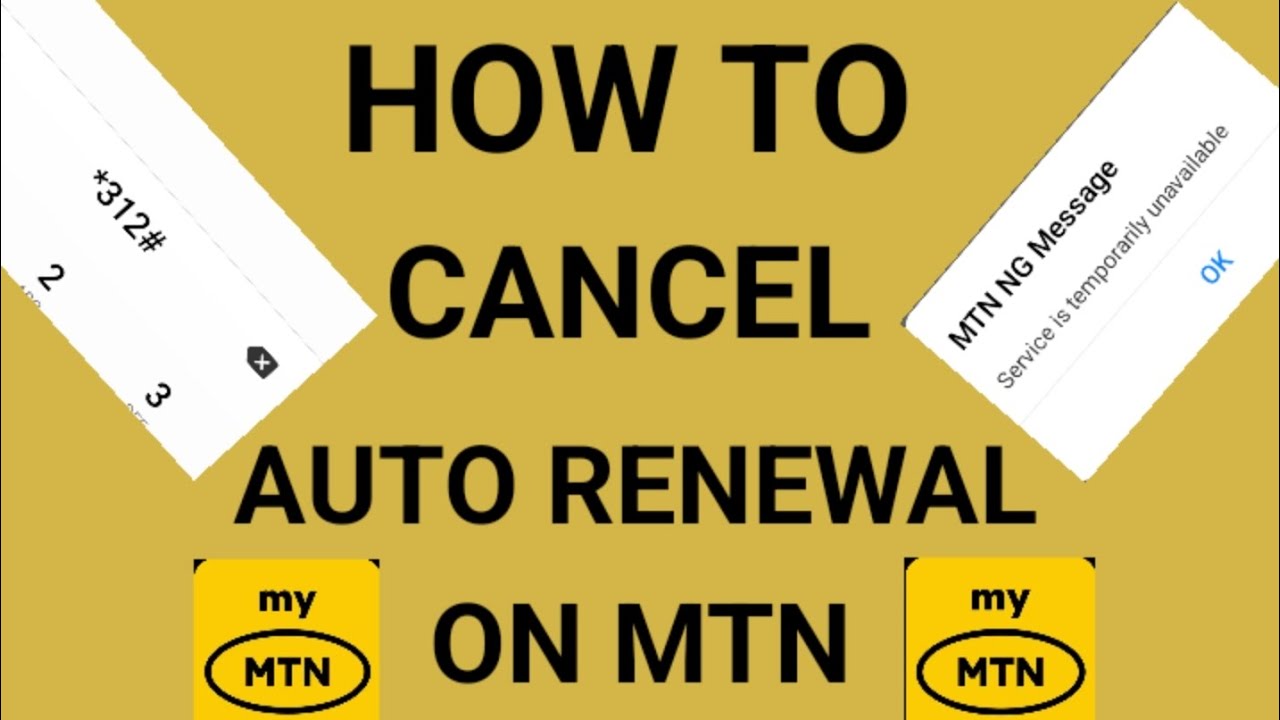
If MTN deducted your airtime because your data bundle automatically renewed, you can stop future renewals by sending **NO + your bundle code to 312**. You can also disable auto-renewal through the **myMTN NG app** under **Manage Subscription**. MTN says auto-renewal uses available airtime when an eligible bundle reaches its expiry date.
Executive Summary: Why MTN Deducted Your Airtime
If MTN deducted airtime from your line after your data bundle expired, the most likely explanation is that data auto-renewal was active on the bundle.
When auto-renewal is enabled, MTN can automatically renew an eligible data bundle when it expires, provided there is enough airtime available.
The good news is that you can turn off the automatic renewal without necessarily cancelling the data bundle you are currently using.
How to Stop MTN Auto-Renewal
There are two main ways to stop MTN from automatically renewing your data bundle.
Method 1: Cancel Auto-Renewal by SMS
MTN provides an SMS option for cancelling auto-renewal.
Send:
NO + your bundle code to 312
For example, if your bundle code is `401`, the format would be:
NO401 to 312
Your exact bundle code depends on the MTN data plan you activated.
After cancelling, the bundle should no longer automatically renew when its validity ends.
Method 2: Use the myMTN NG App
You can also manage your active subscription from the myMTN NG app.
1. Open the myMTN NG app.
2. Go to Manage Subscription.
3. Select your active data bundle.
4. Locate the auto-renewal option.
5. Turn auto-renewal off.
This is useful if you don't remember the code associated with your active bundle.
Why Does MTN Keep Deducting My Airtime?
The deduction can happen when an eligible data bundle has auto-renewal enabled.
For example:
1. You activate a data bundle.
2. The bundle has auto-renewal enabled.
3. The bundle reaches its expiry date.
4. Your line has sufficient airtime.
5. MTN renews the eligible bundle automatically.
6. The cost of the renewal is deducted from your airtime.
If you don't want this to happen again, cancel the auto-renewal before the next renewal attempt.
How to Prevent MTN From Using Airtime for Data Renewal
When purchasing your next data bundle, check whether the option is set to Auto-renewal or One-off.
If you don't want another automatic deduction, select One-off where that option is available.
A one-off bundle is designed not to automatically renew after its validity period.
What If MTN Already Deducted My Airtime?
If the deduction has already happened, first check your active data bundle and transaction information to determine what the charge was for.
If the amount corresponds to a data-bundle renewal, cancelling auto-renewal should prevent another automatic renewal.
However, if the deduction does not correspond to your data bundle, don't automatically assume it was caused by auto-renewal. Check for other active subscriptions or services on the line.
If you believe the deduction was incorrect, contact MTN customer support with the transaction details.
MTN Auto-Renewal vs One-Off Data
| Option | What happens |
|---|---|
| Auto-renewal | Eligible data bundle can renew automatically when it expires if sufficient airtime is available |
| One-off | Bundle does not automatically renew after expiry |
| Cancelled auto-renewal | Automatic renewal is stopped while the current bundle can continue according to its validity |
Frequently Asked Questions
How do I stop MTN from deducting my airtime for data renewal?
Send NO + your bundle code to 312, or disable auto-renewal through the myMTN NG app.
What is the MTN auto-renewal cancellation code?
MTN uses the format NO + bundle code sent to 312. The bundle code depends on the data plan you activated.
Can I stop MTN auto-renewal without cancelling my current data?
Yes. Cancelling auto-renewal is intended to stop the next automatic renewal. Your existing bundle can continue according to its applicable validity.
How do I stop MTN data from renewing automatically?
Cancel the auto-renewal using the applicable SMS format or switch off the option in the myMTN NG app.
Why did MTN deduct my airtime after my data expired?
If auto-renewal was active and your line had enough airtime, the eligible bundle may have renewed automatically.
How can I avoid automatic MTN data renewal?
Choose One-off instead of Auto-renewal when purchasing a bundle where the option is provided.
Practical Solution
If you don't want MTN to automatically take airtime for your next data bundle, don't wait until the next expiry.
Check your active subscription, cancel auto-renewal, and use a one-off bundle when you don't want automatic renewal.
That prevents the same situation from happening the next time your data bundle expires.
Never miss a tech solution from FlamesNova
Make FlamesNova your trusted and preferred source on Google Search
All factual claims and technical steps are cited and verified against direct documentation.
Contribution: Grounding reference for news development and reporting.
Contribution: Grounding reference for news development and reporting.
Contribution: Grounding reference for news development and reporting.
Contribution: Grounding reference for news development and reporting.
Related How-To Guides
Android Phone Stuck at 0% or 1% Charging All Night: How to Fix
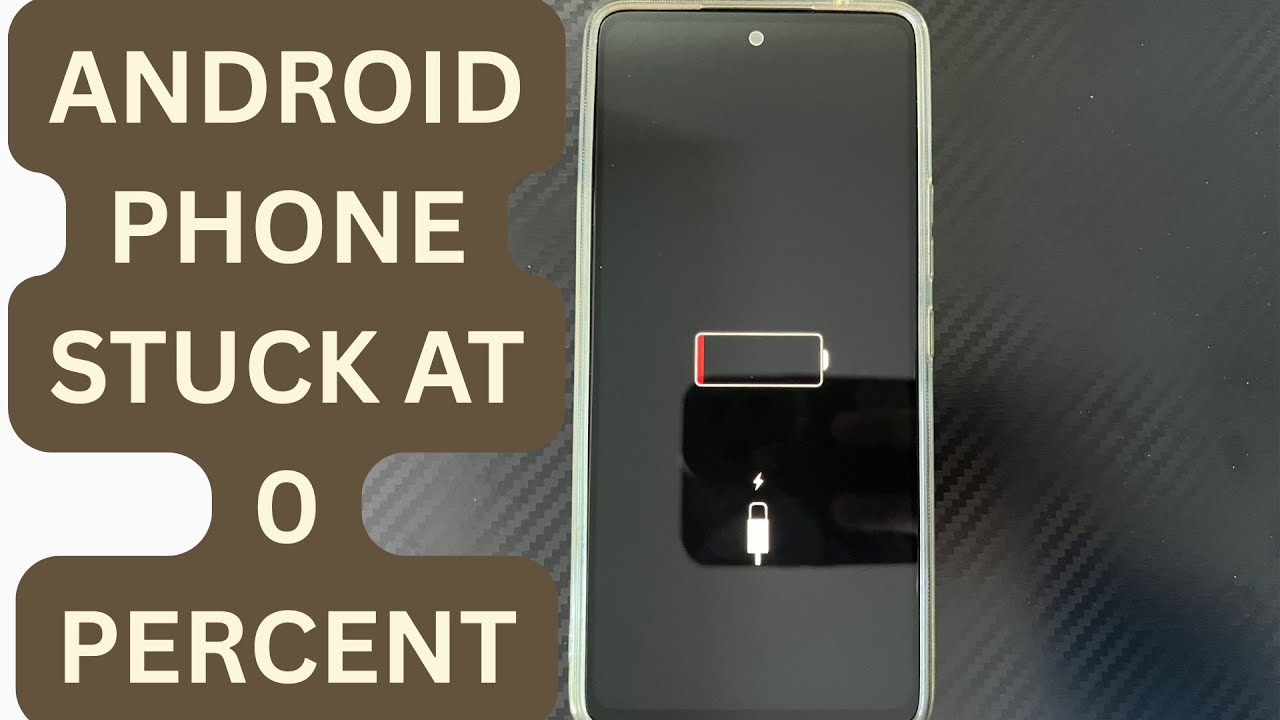
If an Android phone remains at 0% or 1% after charging all night, first stop repeatedly trying to power it on. Test a known-good compatible charger and cable, inspect the charging port, let the phone cool, and leave it charging while switched off. If it remains at 0% or 1%, try a forced restart. If the phone still cannot increase its battery level with known-good charging equipment, the battery, charging port, or charging circuit may require professional inspection.
Phone Battery Percentage Dropping While Connected to Charger: 5 Direct Fixes
If your phone battery percentage keeps dropping while it is connected to a charger, the charger may be supplying less power than the phone is consuming. Test another compatible charger and cable, stop demanding apps, check for overheating, inspect the charging port, and test charging while the phone is switched off. If the percentage continues falling with known-good charging equipment, the battery or charging hardware may need inspection.
Itel A-Series Screen Flickering While Charging: Safe Troubleshooting Guide And Fix Steps
If an itel A-Series phone flickers only while charging, unplug it first and test the phone on battery power. Then try a known-good compatible charger and cable, inspect the charging port for dirt or moisture, remove accessories that may trap heat, and avoid using the phone heavily while charging. If flickering continues with different charging equipment or occurs even when the charger is disconnected, the display, charging circuit, battery, or another hardware component may need inspection.